
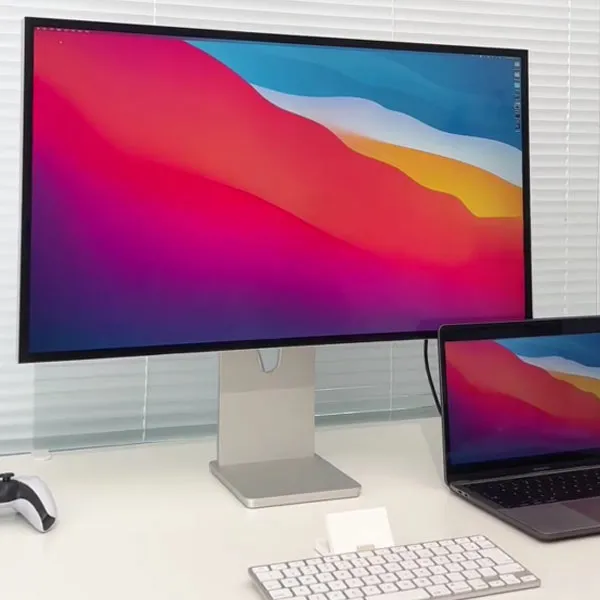
When choosing a computer monitor, laptop, or television for long hours of static productivity, the threat of screen burn-in is a primary deciding factor. While OLED and QD-OLED displays dominate high-contrast gaming and mobile devices, IPS (In-Plane Switching) LCD screens possess a definitive engineering advantage: inherent physical immunity to permanent burn-in. Here is an in-depth technical analysis explaining why IPS panels cannot burn in, how temporary image retention works on LCDs, and how modern Mini-LED local dimming compares to OLED per-pixel control.
Why OLED Suffers Burn-In While IPS Is Immune
To understand the immunity of IPS displays, we must contrast their operating principles with self-emissive OLED panels:
- OLED (Self-Emissive Organic Diodes): Every individual sub-pixel (Red, Green, Blue) emits its own light using organic electroluminescent compounds. Under continuous electrical current and heat, these organic compounds degrade, causing an irreversible drop in peak brightness. When static icons or taskbars remain fixed for hundreds of hours, differential sub-pixel decay creates permanent ghost watermarks.
- IPS LCD (Transmissive Light Modulation): IPS screens do not emit light on a per-pixel basis. Instead, an inorganic LED backlight generates uniform illumination across the panel. A layer of liquid crystal molecules rotates horizontally (in-plane) when voltage is applied, acting as microscopic light valves that regulate how much backlight passes through color filters.
Because liquid crystal molecules and inorganic LED backlights do not consume themselves during light transmission, IPS panels are physically incapable of permanent organic burn-in. No matter how many days or years a static desktop icon or window header remains displayed, the pixels cannot burn out.
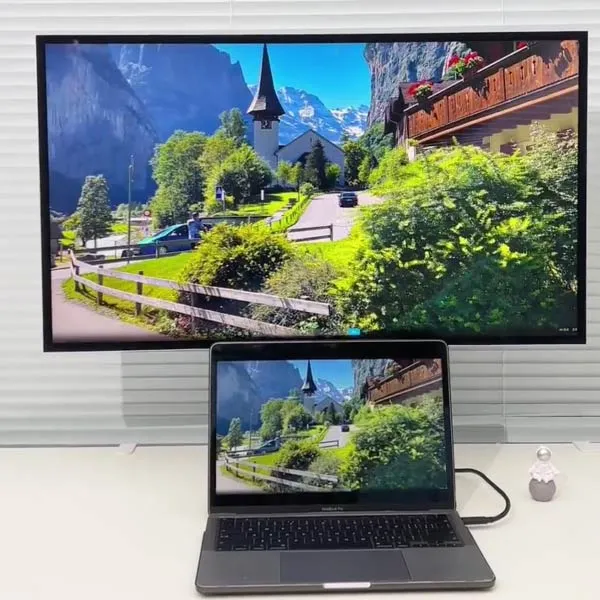
Temporary Image Retention (TIR) on IPS: The Myth of LCD Burn-In
Users occasionally report seeing a faint shadow of a browser tab or spreadsheet on an IPS monitor and assume their screen has burned in. This is not burn-in; it is Temporary Image Retention (TIR) caused by capacitive charge trapping.
When an identical high-contrast pattern is displayed for 8 to 12 consecutive hours, a small DC voltage offset can accumulate across the thin-film transistor (TFT) backplane and polyimide alignment layers. When the image changes, this residual electrostatic charge temporarily prevents the liquid crystal molecules from relaxing completely to their neutral orientation.
Unlike OLED burn-in, IPS image retention is 100% reversible. It causes zero permanent damage to the panel. Once the static voltage is removed or reversed, the trapped charges dissipate, and the display returns to pristine condition within 15 minutes to 2 hours.
Display Showdown: IPS vs. OLED vs. Mini-LED LCD
As display technology evolves, buyers must evaluate the trade-offs between conventional IPS, self-emissive OLED, and advanced Mini-LED backlit IPS displays:
| Feature | Standard IPS LCD | Mini-LED IPS LCD | OLED / QD-OLED |
|---|---|---|---|
| Burn-In Vulnerability | ✅ Zero risk (100% immune) | ✅ Zero risk (100% immune) | ⚠️ Moderate risk (differential wear) |
| Black Levels & Contrast | Standard (~1,000:1 to 1,500:1) | Near-infinite (local dimming off) | True zero-nit (infinite ∞:1) |
| Peak HDR Brightness | 350–500 nits | 1,000–3,000+ nits | 800–1,500 nits (small window) |
| Halo / Blooming Effect | None (uniform low contrast) | Visible around high-contrast edges | ✅ None (per-pixel illumination) |
| Ideal Use Case | Office work, coding, general use | HDR creation, bright rooms, CAD | Dark-room cinema, AAA gaming |
Mini-LED Local Dimming Halo vs. OLED Per-Pixel Control
For users seeking high HDR contrast without burn-in anxiety, Mini-LED LCD has become the prime alternative to OLED. Mini-LED replaces a single edge-lit backlight with thousands of microscopic LEDs divided into hundreds or thousands of Full-Array Local Dimming (FALD) zones behind an IPS panel.
- The Mini-LED Advantage: Delivers extreme sustained brightness (1,500 to 3,000 nits) without thermal throttling and zero risk of burn-in. Perfect for static desktop software, programming IDEs, financial terminals, and sunlit rooms.
- The Halo / Blooming Limitation: Because each local dimming zone controls an area spanning dozens or hundreds of sub-pixels, small bright elements (such as white subtitles, mouse cursors, or starfields in space) against a black background cause the backlight zone to illuminate. This produces a noticeable "halo" or blooming glow around the bright object.
- OLED's Per-Pixel Precision: With over 8.3 million self-lit pixels on a 4K panel, OLED achieves true per-pixel dimming with absolutely zero blooming. However, achieving this perfection requires conscious management of static UI elements to avoid cumulative differential wear.
How to Clear Temporary Image Retention on IPS Displays
If your IPS monitor or laptop exhibits temporary ghosting after a long workday, you can rapidly clear it using our free Online Screen Burn-In Fix Tool.
- Open fixburnin.com/launch/ in your browser on the affected IPS display.
- Enter full-screen mode (F11 on desktop).
- Run the dynamic chromatic flasher for 15 to 30 minutes.
- The high-frequency alternating polarities rapidly discharge capacitive nodes across the liquid crystal layer, restoring pristine pixel uniformity.
Conclusion
IPS screens remain the gold standard for static productivity and longevity because they are fundamentally immune to permanent burn-in. While OLED panels provide unmatched contrast and zero blooming for gaming and entertainment, IPS and Mini-LED IPS monitors offer peace of mind for static spreadsheets, desktop taskbars, and professional workflows. And if temporary image retention ever occurs, a quick session with the browser fix tool at /launch/ will resolve it immediately.