OLED Screen Burn-in Test & Repair Tool
Fix screen burn-in, ghost images and stuck pixels on OLED phones, TVs & monitors — free in your browser or on Android.

Online Screen Burn-in Test & Checker
- Adjust your screen brightness to 90% or higher.
- Click 50% Gray — this is the most sensitive background for revealing OLED burn-in, navigation bar shadows, and status bar ghosting.
- Cycle through Red, Green, and Blue patterns to inspect individual subpixel health.
- Click anywhere to exit fullscreen, or proceed to 'Start Screen Repair' if retention is detected.
Why Choose Our Diagnostic & Repair Tool?
Dynamic Pixel Cycling
Rapidly alternates subpixels with GPU-accelerated noise patterns to exercise worn diodes and reduce ghost retention.
Screen Uniformity Test
Spot faint burn-in, stuck pixels, and tint shifts instantly with calibrated 50% gray and pure RGB full-screen patterns.
Universal Screen Support
Engineered for OLED, AMOLED, QD-OLED, and LCD panels on smartphones, gaming monitors, laptops, and smart TVs.
Safe & Hardware-Friendly
Pure optical refresh with zero root permissions, zero device modifications, and zero battery-damaging stress.
The Science Behind Browser-Based Pixel Repair
How GPU-accelerated stroboscopic flashing revitalizes dormant subpixels and mitigates display retention
Screen Diagnostics & Mapping
Inspect your display under calibrated 50% neutral gray and primary RGB channels to locate static interface ghosts, status bar shadows, and color shifts.
Hardware-Accelerated Stroboscopic Excitation
FixBurnIn harnesses the HTML5 Canvas API to render randomized high-chroma noise patterns and shifting geometry directly at your monitor's native refresh rate.
Subpixel Luminance Re-Balancing
Running sustained high-frequency color shifts exercises differential wear zones, evening out luminous efficiency across adjacent organic light-emitting diodes.
Frequently Asked Questions
How does FixBurnIn repair screen burn-in and ghost images?
FixBurnIn operates as an in-browser display rejuvenation engine. Utilizing hardware-accelerated canvas rendering, it projects ultra-fast alternating color frequencies and randomized noise matrices across the display. This continuous state-switching exercises stressed OLED, AMOLED, and IPS subpixels, effectively dislodging trapped electrical charges that cause image ghosting while blending the visual boundaries of unevenly worn pixels.
What is the difference between image retention and burn-in?
Image retention (ghosting) is a temporary visual artifact where residual electrical voltage lingers on subpixels, making previous windows or UI icons remain visible. Burn-in represents permanent physical degradation where organic emitters lose efficiency. FixBurnIn can completely resolve temporary retention and significantly soften the sharp edges of permanent burn-in.
What is the recommended session duration?
For faint UI ghosting (such as navigation docks or social media icons), run FixBurnIn fullscreen for 30 to 60 minutes with display brightness set high. For pronounced burn-in, schedule multi-hour maintenance sessions over consecutive days to gradually equalize subpixel luminous intensity.
Can software completely eliminate permanent burn-in?
No software application can physically restore depleted organic light-emitting materials. However, FixBurnIn accomplishes the next best outcome: by optically exercising the surrounding less-worn subpixels, it reduces the luminance disparity between worn and fresh pixels, making burn-in patterns fade into normal viewing background.
Why is FixBurnIn superior to pre-rendered video clips?
Standard online videos suffer from bitrate compression, chroma sub-sampling (4:2:0), and resolution mismatches that dilute repair efficacy. FixBurnIn renders pure vector colors directly on your device's GPU at native pixel pitch and 60Hz, 120Hz, or 144Hz refresh rates with zero frame drops.
Is FixBurnIn compatible with my device?
FixBurnIn runs seamlessly across any modern web browser without platform restrictions — fully compatible with iPhone, iPad, Android smartphones, MacBooks, Windows PCs, and smart TV browsers.
Latest Articles on Screen Care
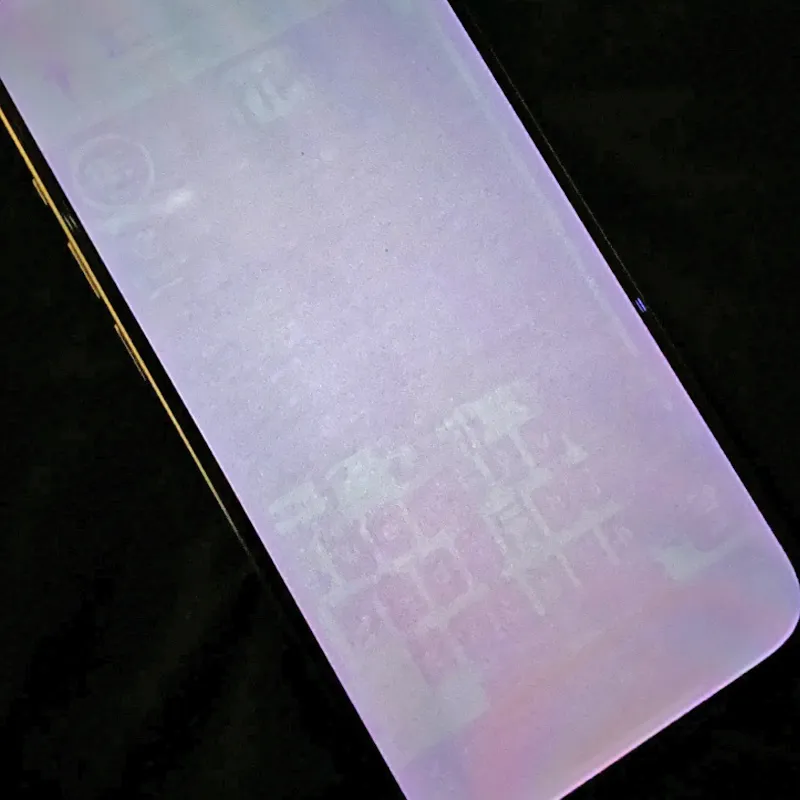
Nintendo Switch OLED & Steam Deck OLED Burn-In: Longevity Tests, UI Retention & Prevention Guide
Real-world test results for Nintendo Switch OLED and Steam Deck OLED burn-in. Discover panel longevity, prevent UI image…
Read more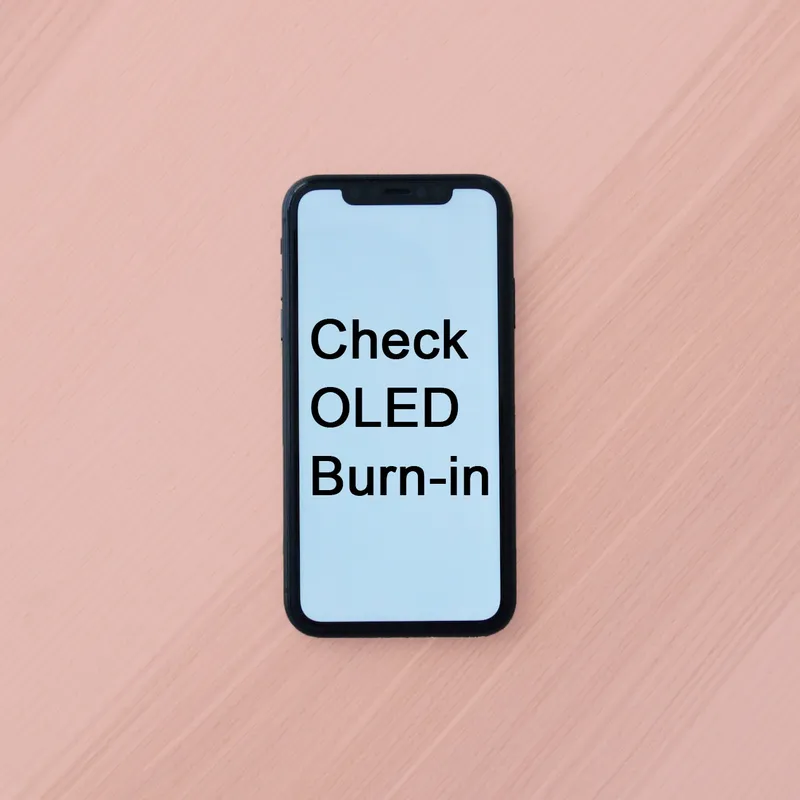
OLED Gaming Monitor Burn-In in 2026: QD-OLED vs. WOLED Durability & Desktop Taskbar Protection Guide
Comprehensive 2026 guide to OLED gaming monitor burn-in. Compare QD-OLED vs WOLED durability, prevent Windows taskbar im…
Read more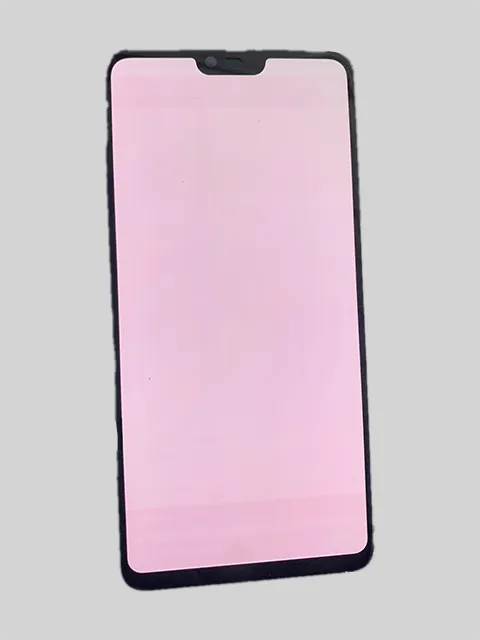
Why Your Screen Turns Red, Pink, or Yellow: Common Causes & Fixes
Why do OLED screens turn red or pink while LCD screens turn yellow over time? Understand blue sub-pixel degradation, RGB…
Read more
New Screen, More Eye Strain? Here's Why (and What to Do in 2026)
Why do modern displays cause eye fatigue? Understand PWM dimming, temporal dithering, high refresh rates, and ambient li…
Read moreDownload the official Android app for one-tap screen diagnostics and background repairs